Prompt + image workflow / October 18, 2026
How to make an AI video with one image and a clear prompt
A useful image-to-video prompt does not redraw the whole picture. The image already carries the subject, composition, and lighting. Your prompt should direct one action, one camera move, and one ending that you can review in the finished clip.
Start with an image you can use
Use a JPG, PNG, GIF, or WebP image that you own or are allowed to transform. Choose one clear subject with visible edges and enough space for the selected frame. A side view of a vehicle, an object on a clean surface, or a simple scene gives the model a stable visual reference.
The image is not a license to use a person's face, a public figure, a logo, or someone else's artwork. Permission to upload and permission to publish are separate decisions, so keep both in your records.
Write the prompt as a shot brief
Use four short parts: what moves, how the camera moves, what the environment does, and how the shot ends. For example: ‘The car lifts slowly above the parked lane; the camera tilts up to follow; vapor drifts under the chassis; end on a stable wide view.’ This is easier to inspect than a paragraph of adjectives.
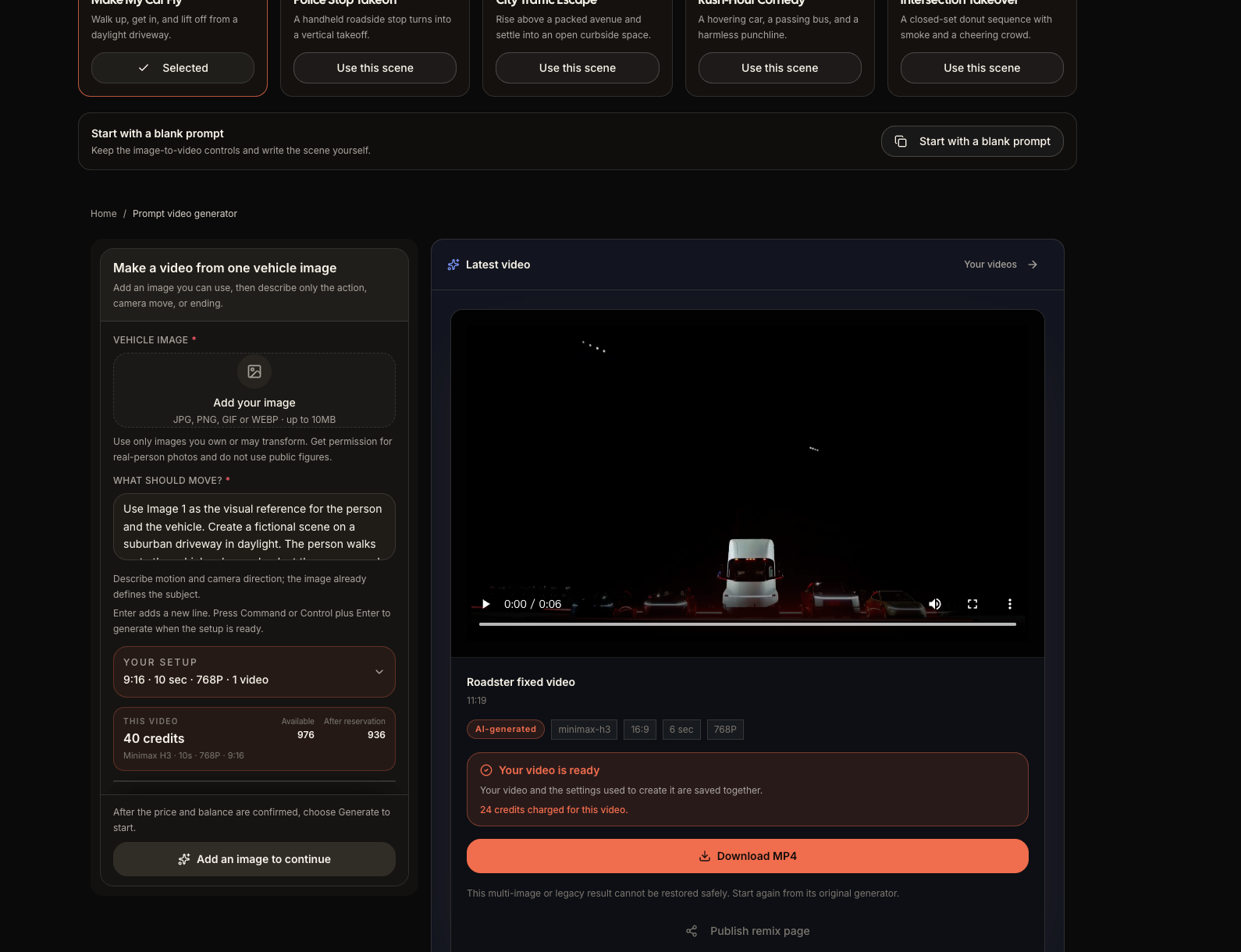
The Roadster scene library gives you a starting point such as Make My Car Fly, City Traffic Escape, or Intersection Takeover. You can select a scene, edit its prompt, or start with a blank prompt while keeping the same image-to-video controls.
Change one variable at a time
For the first attempt, keep the action simple and keep the camera steady. If the subject drifts, do not add five more instructions at once. First shorten the action, then test a locked camera, then adjust the ending. A small sequence of controlled edits tells you whether the problem came from the source image or the motion brief.
Choose the frame, duration, quality, and audio state that match the clip you need. The generator shows the current server quote before submission; the number in a screenshot or an older article is not a permanent price.
Review the result like an editor
Watch the full clip once for the idea, then watch it again while pausing on the subject edges, wheels, hands, text, and background geometry. Keep the result when the requested action reads clearly and the source remains recognizable. If it fails, name the exact change for the next version instead of pressing a blind retry.
Roadster is a focused short-video generator. It creates an original fictional clip from your input; it does not replace a timeline editor, add a publishing account, or prove that a vehicle can perform the action in the real world.
A reusable motion prompt
Use Image 1 as the visual reference. [Subject] performs one clear action. [Camera] follows with one deliberate move. [Environment] changes gently. End on a stable frame with the subject consistent. No added text, logos, watermarks, or unrelated effects.
Questions to answer before you generate
Should I describe the whole image again?
No. Let the image establish the subject and scene. Use the prompt for movement, camera behavior, timing, and the details that must remain stable.
Is a longer prompt always better?
No. A short prompt with one testable action is easier to control than a long list of conflicting motions.
Can I use a reference clip from another creator?
Roadster's prompt-first workflow sends one moderated image and your prompt. Imported scene videos are visual examples only; use media you own or have permission to transform.
Try the prompt + image workflow
Choose a Roadster scene or start with a blank prompt, upload one authorized image, and review the live setup before you generate.
Open prompt video generator Roadster AI Video